
Perfect sync. When the host plays, pauses or skips, every player in the party follows. Same scene, same second, every sofa.
Learn more about how sync works
Popmelon
Same scene.
Different sofas.
Popmelon is a free browser extension for watch parties on Netflix, YouTube, Prime Video and more, and listening together on Spotify Web Player. One party link keeps your people, chat and reactions together.
Works in Chrome, Brave & other Chromium browsers on desktop.
On your phone? Popmelon runs in Chrome, Brave or another Chromium browser on a computer. Send yourself the link for later.
Everything movie night needs.
Nothing it doesn’t.
 Jamie & Lou
 Maya
Maya Alex
Alex Priya
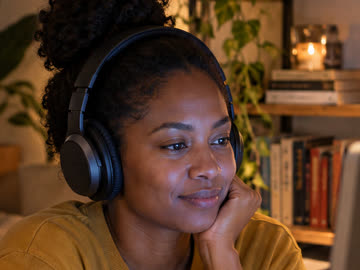
PriyaFree video and voice calls. See every gasp face to face, like you’re on the same sofa. Your mic and camera stay off until you turn them on.
Netflix, YouTube, Prime Video and more. Everyone plays on their own account. Popmelon keeps the timing, the chat and the reactions together.
See every serviceStart before you pick. Open a party first and decide what to watch together. One link brings everyone in, and the next film needs no new link.
Laugh at the
same second.
Three homes. One moment. Popmelon keeps every player on the same frame, so the gasp, the laugh and the “no way” land together, even when you’re miles apart.
One link.
Everyone’s in.
Start a party, drop the link in the group chat, and press play when everyone’s settled. No more “3, 2, 1… go”.
Free. Everyone adds Popmelon once, then it’s just a link.For every kind of night.
-
 Friends
Friday Film ClubHow to host a Netflix watch party
Friends
Friday Film ClubHow to host a Netflix watch party
-
 Long distance
Two Cities, One FilmDate night when you’re miles apart
Long distance
Two Cities, One FilmDate night when you’re miles apart
-
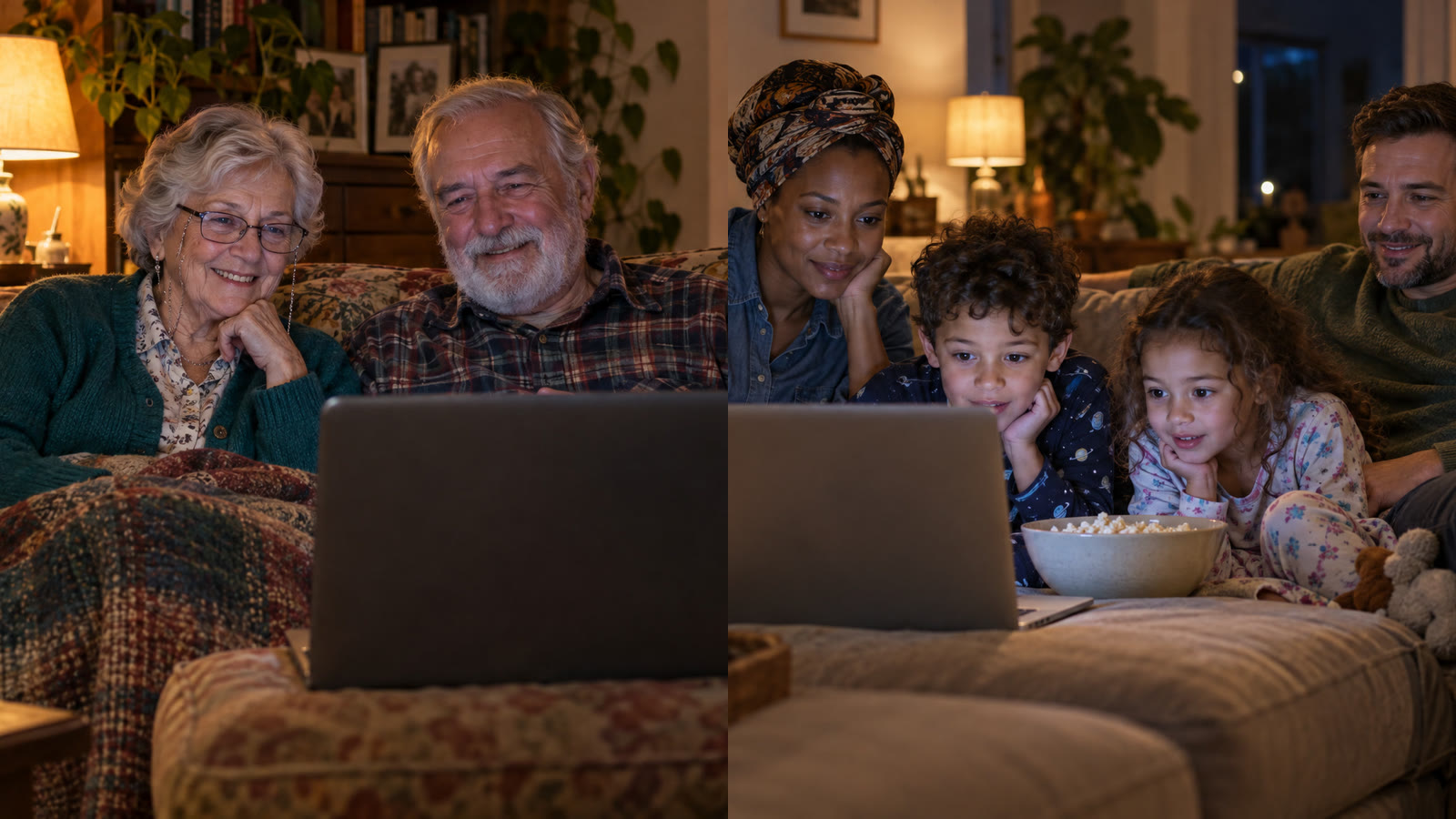 Family
 movie night.Grandparents in one home, the kids in another
Family
Family movie night.Grandparents in one home, the kids in another
-
 Sat 31 Oct
The Halloween MarathonScary films with friends far away
Sat 31 Oct
The Halloween MarathonScary films with friends far away
-
 Listen
album night.Listen together on Spotify Web Player
Listen
album night.Listen together on Spotify Web Player
Private by design. Everyone streams through their own account. Popmelon coordinates playback and chat. It never records calls, and keeps chat for 30 days to investigate abuse. There’s no third-party analytics. How privacy works
Three steps to
movie night.
-
Start a party.
Click Popmelon in your toolbar and start a party. Nothing needs to be playing yet.
-
Send one link.
Paste the party link into your group chat. Friends with Popmelon open it and land in the same room.
-
Press play together.
Pick YouTube, Netflix, Prime Video, Twitch or Spotify Web Player. When the host presses play, everyone’s player follows.
Watch the full tour
Questions?
Answers.
Can’t find yours? Visit Help or email hello@popmelon.app.
Does everyone need the extension?
Yes. Everyone in your party needs Popmelon installed in a desktop Chrome or Chromium browser, and access to the video or song. A party link brings you into the same room.
Do I need my own Netflix account?
Everyone needs their own access to the title on Netflix or Prime Video, including any required subscription. For YouTube and Twitch, everyone must be able to play the video. Spotify Web Player listeners also need their own Spotify accounts. Popmelon synchronizes playback; it doesn’t provide content or bypass restrictions.
Is Popmelon free?
Yes, Popmelon is free to use. Any streaming subscriptions or rentals are separate.
Can we talk while watching?
Yes. Use text chat, voice, or your camera. Your microphone starts muted and your camera stays off until you turn them on. Headphones help keep the movie out of everyone else’s microphone.
Who controls the film?
The host. When the host plays, pauses or skips, everyone follows. If your video is loading, buffering or showing an ad, Popmelon waits, then catches you up. Anyone can ask to be the host, and the host approves.
Is our conversation private?
Popmelon never records calls. Chat is kept for 30 days to investigate abuse. There’s no third-party analytics. How privacy works.
Can I use it on my phone or TV?
Popmelon currently works in desktop Chrome and Chromium browsers, including Brave and Edge. Mobile browsers, smart TVs, and streaming apps aren’t supported.
Make a night of it.
Add Popmelon to Chrome or Brave for free, then bring your favourite people.
Add to Chrome Add to Brave- Add to your browserGet Popmelon from the Chrome Web Store and confirm the installation.
- Pin it for movie nightOpen your browser’s extensions menu and pin Popmelon so it’s easy to find.
- Start a partyClick Popmelon, start a party, and share the link. Choose YouTube, Netflix, Prime Video, Twitch or Spotify from the party room.
On your phone? Send yourself the link and install on your computer.